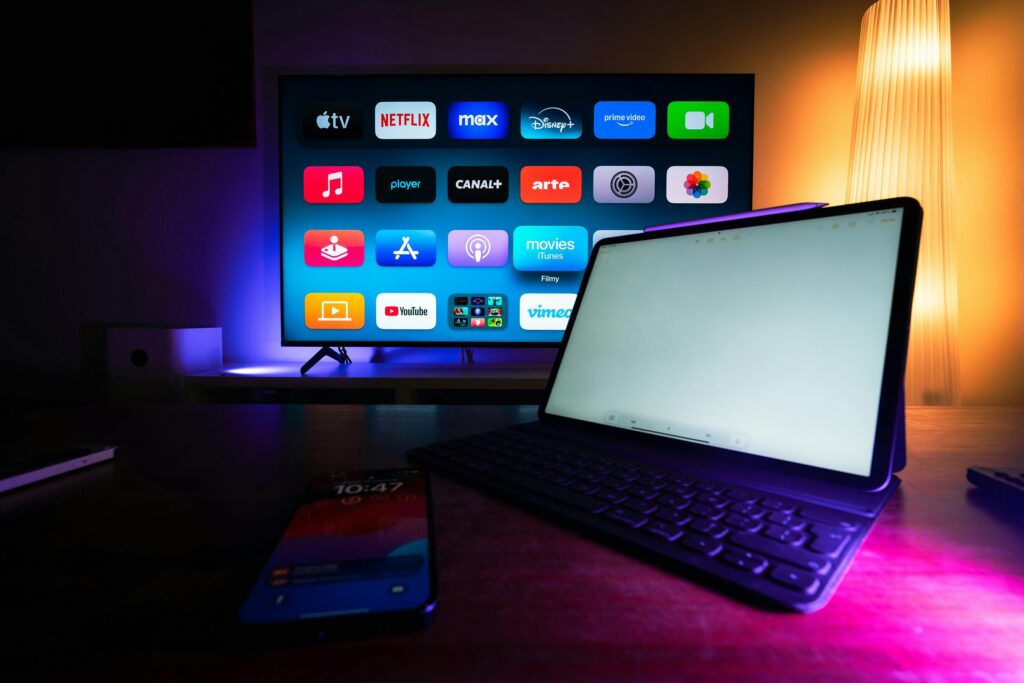
Want to setup IPTV on Firestick? You’re in the right place. In this complete step-by-step guide, we’ll show you exactly how to setup IPTV on your Amazon Firestick in less than 5 minutes — no tech skills required. From enabling developer options to streaming 22,000+ live channels in 4K, everything is covered here.
What You Need to Setup IPTV on Firestick
Before you setup IPTV on Firestick, make sure you have everything ready:
- 📦 Amazon Firestick — Any model (4K, 4K Max, Lite, Fire TV Cube)
- 📶 Fast Internet — Minimum 10 Mbps for HD, 25 Mbps for 4K
- 🔑 IPTV Subscription — Username, password & server URL from your provider
- 📺 TV with HDMI port — Any TV works with Firestick
Don’t have an IPTV subscription yet? Get yours from iptv subscription — plans start from €15/month with 22,000+ channels in 4K. Free trial available!
How to Setup IPTV on Firestick — Step by Step
Follow these 5 easy steps to setup IPTV on Firestick in under 5 minutes:
Step 1 — Enable Apps from Unknown Sources
By default, Firestick only allows apps from the Amazon Store. To install IPTV Smarters and setup IPTV on Firestick, you need to enable unknown sources first:
Settings → My Fire TV → Developer Options → Apps from Unknown Sources → ON ✅
⚠️ Note: On newer Firestick models, this option may be called “Install Unknown Apps.” Enable it specifically for the Downloader app.
Step 2 — Install the Downloader App
The Downloader app lets you install APK files on your Firestick:
Home → Search 🔍 → Type “Downloader” → Install → Open
- The Downloader app is 100% free on Amazon App Store
- Once installed, open it and allow storage access
- You’ll see a URL bar — this is where you enter the APK link
Step 3 — Download & Install IPTV Smarters Pro
IPTV Smarters Pro is the best app to setup IPTV on Firestick in 2026:
Open Downloader → Enter URL: iptvsmarters.com/smarters.apk → Download → Install
- Wait for the download to complete (30–60 seconds)
- Tap “Install” when prompted
- After install, tap “Open” to launch IPTV Smarters
- Delete the APK file after installation to free up space
✅ Tip: Some Firestick models can find IPTV Smarters directly in the Amazon App Store — search there first before using Downloader.
Step 4 — Enter Your IPTV Credentials
Open IPTV Smarters Pro and login with your subscription credentials:
Open IPTV Smarters → Login with Xtream Codes API → Enter Details below:
- Username: Provided in your activation email or WhatsApp
- Password: Provided in your activation email or WhatsApp
- Server URL: Provided in your activation email or WhatsApp
- Tap “Add User” and wait for channels to load
⚠️ Don’t have credentials yet? Subscribe here and receive your details within 15 minutes via email or WhatsApp.
Step 5 — Start Streaming in 4K!
Once your credentials are entered, your channel list loads automatically. You now have access to:
- 🏈 NFL, NBA, NHL, MLB, ESPN+ — all live sports in 4K
- 📺 22,000+ live channels from USA, Canada & Europe
- 🎬 120K+ Movies & Series on demand
- 📡 4K, FHD, HD quality on all content
- 📅 EPG TV Guide & Catch-Up feature included
✅ Pro Tip: Use a wired ethernet adapter for your Firestick for the best 4K streaming experience with zero buffering.
Best IPTV Apps to Setup on Firestick 2026
When you setup IPTV on Firestick, you have several app options. Here’s a comparison:
| App | Price | Xtream Codes | M3U | EPG | Rating |
|---|---|---|---|---|---|
| IPTV Smarters Pro | Free | ✅ Yes | ✅ Yes | ✅ Yes | ⭐⭐⭐⭐⭐ |
| TiviMate | $4.99/yr | ✅ Yes | ✅ Yes | ✅ Yes | ⭐⭐⭐⭐⭐ |
| XCIPTV | Free | ✅ Yes | ✅ Yes | ✅ Yes | ⭐⭐⭐⭐ |
| GSE Smart IPTV | Free | ⚠️ Limited | ✅ Yes | ✅ Yes | ⭐⭐⭐ |
Setup IPTV on Other Devices
The same subscription works on all your devices — not just Firestick:
- 📺 Smart TV — Samsung, LG, Sony via Smart IPTV app
- 🤖 Android TV & Box — IPTV Smarters or TiviMate
- 🍎 iPhone & iPad — IPTV Smarters iOS version
- 💻 Windows & Mac — VLC Player or any IPTV app
- 📦 MAG Box — Built-in IPTV player
Need help setting up on a different device? Check our complete Setup Guide with instructions for every device. Also check our FAQ page for common questions.
Why Choose iptv subscription to Setup IPTV on Firestick?
When you setup IPTV on Firestick with Nigma Streamz, you get:
- ✅ 22,000+ live channels in 4K, FHD & HD
- ✅ 120K+ Movies & Series on demand
- ✅ 99.99% uptime — zero buffering guaranteed
- ✅ Instant activation — credentials in 15 minutes
- ✅ 24/7 WhatsApp support for setup help
- ✅ 7-day money-back guarantee
- ✅ No contracts — cancel anytime
According to Wikipedia, IPTV delivers television content over Internet Protocol networks — making it faster, more flexible, and more affordable than traditional cable TV.
FAQ — Setup IPTV on Firestick
How long does it take to setup IPTV on Firestick? The entire setup process takes less than 5 minutes. Enabling unknown sources takes 1 minute, installing Downloader and IPTV Smarters takes 2–3 minutes, and entering your credentials takes under 1 minute.
What is the best IPTV app to setup on Firestick in 2026? IPTV Smarters Pro is the best free IPTV app for Firestick in 2026. It supports Xtream Codes login, M3U playlists, EPG guide, and works perfectly on all Firestick models.
Why is my IPTV buffering after setup on Firestick? Buffering is usually caused by slow internet. Make sure you have at least 10 Mbps for HD and 25 Mbps for 4K. Try using a wired ethernet adapter, clear the app cache, or restart your Firestick.
Does IPTV Smarters work on all Firestick models? Yes! IPTV Smarters Pro works on all Amazon Firestick models including Firestick Lite, Firestick 4K, Firestick 4K Max, Fire TV Cube, and all Fire TV editions.
Do I need a VPN to setup IPTV on Firestick? A VPN is not required but recommended for privacy. If you notice slower speeds during streaming, a VPN like ExpressVPN or NordVPN can help improve performance on your Firestick.
Ready to Setup IPTV on Your Firestick?
Get your IPTV subscription today — 22,000+ channels in 4K. Receive your credentials in 15 minutes and start streaming immediately!
👉 Get Your IPTV Subscription Now — Free trial available!
Also read: Best IPTV Service 2026 | Channel List | FAQ